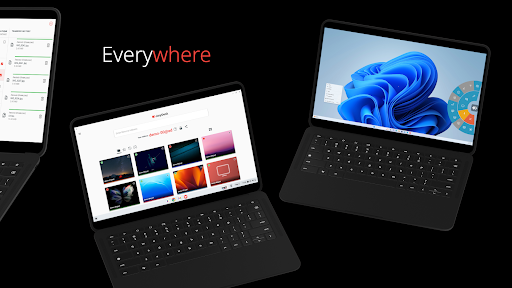
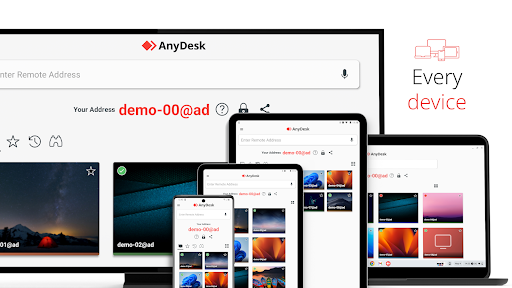
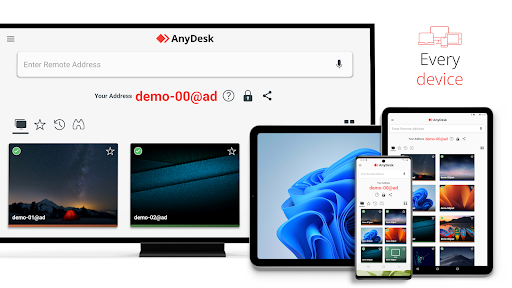
Remote access from anywhere. Fast and secure. All operating systems and devices
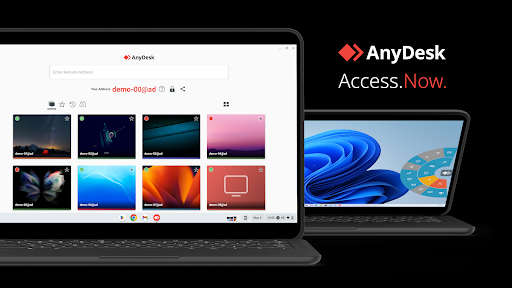
Powerful Remote Assistance Software. Whether you're in the office next door or on the other side of the world, remote access via AnyDesk makes the connection possible. Secure and reliable, for IT professionals as well as private users.
AnyDesk is ad-free and free for personal use. For commercial use visit: https://anydesk.com/en/order
Whether you're in IT support, working from home, or a student studying remotely, AnyDesk's remote desktop software has a solution for you, allowing you to connect to remote devices securely and seamlessly.
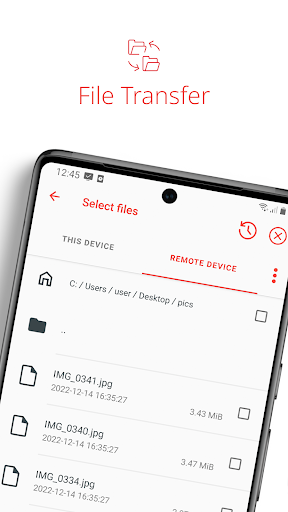
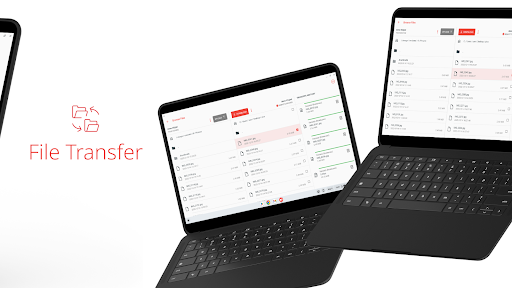
AnyDesk offers a wide range of remote desktop functions such as: • File Transfer • Remote Printing • Wake-On-LAN • Connection via VPN and much more
The AnyDesk VPN feature allows the creation of a private network between local connecting and remote clients, providing additional security to users. It is important to note that it is not possible to access devices on the remote client's local network or vice versa. Nevertheless, after successfully connected over VPN, the following programs can be used over VPN: • SSH – Ability to access the Remote Device over SSH • Gaming – Ability to access a LAN-Multiplayer Game over the Internet.
For an overview of the features, visit: https://anydesk.com/en/features If you are interested in more information, head to our Help Center by visiting: https://support.anydesk.com/knowledge/features
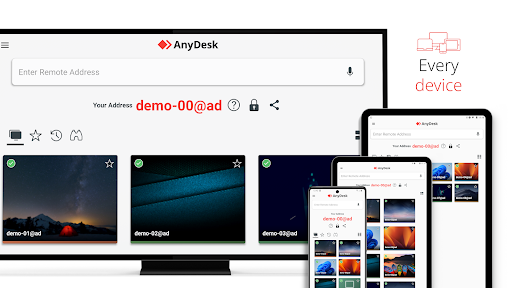
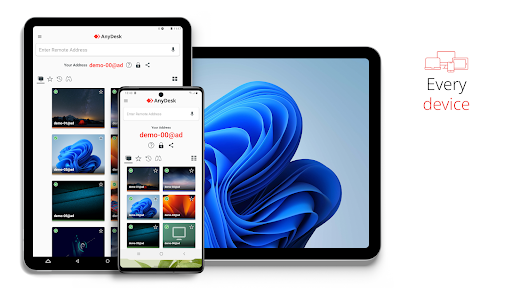
Why AnyDesk? • Outstanding performance • Every operating system, every device • Banking-standard encryption • High frame rates, low latency • In the Cloud or On-Premises
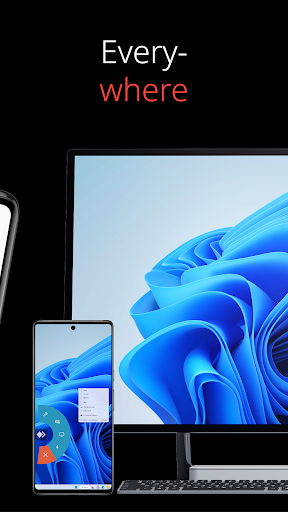
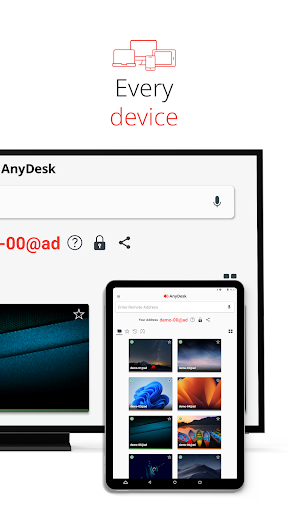
Every operating system, every device. Download the latest AnyDesk version for all platforms here: https://anydesk.com/en/downloads
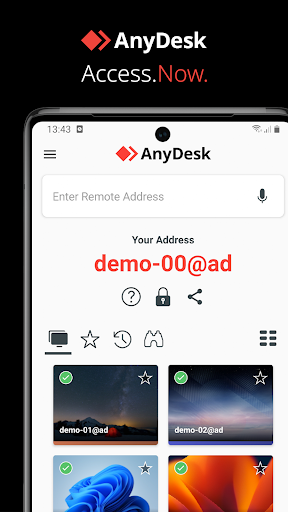
Quick Start Guide 1. Install and launch AnyDesk on both devices. 2. Enter the AnyDesk-ID that is displayed on the remote device. 3. Confirm the access request on the remote device. 4. Done. You can now control the remote device remotely.
Do you have any questions? Contact us! https://anydesk.com/en/contact