AppLock is a light app protector tool to protect your privacy in mobile apps. ☀️——Highlights of AppLock——☀️🔒
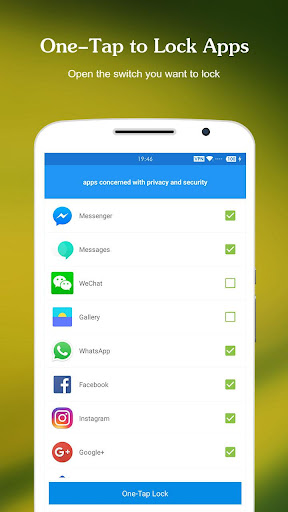
AppLock can lock Social apps: Facebook, Whatsapp, Messenger, Instagram, Tumblr, WeChat and so on. No one can peep 👀 at your private chat any more;
🔒
AppLock can lock System apps: Gallery, SMS, Contacts, Gmail, Settings, incoming calls and any app you choose. Prevent unauthorized access and guard privacy;
🔒
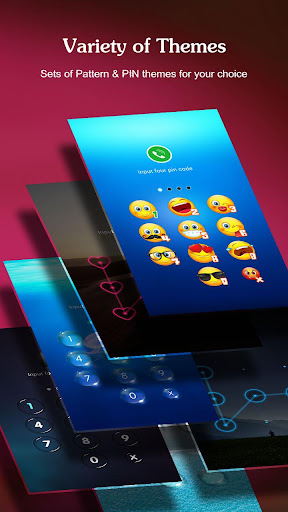
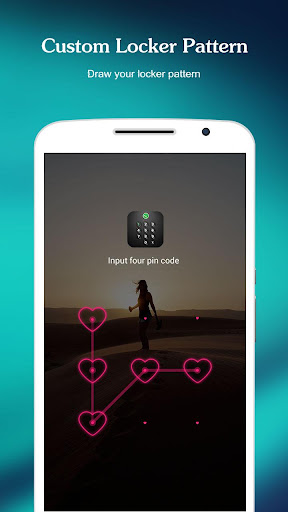
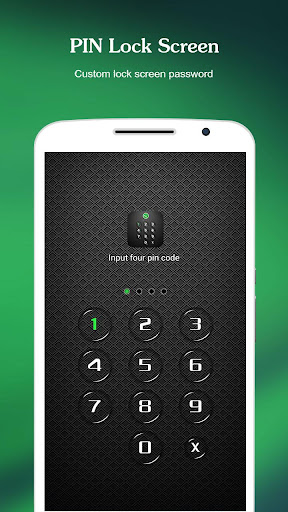
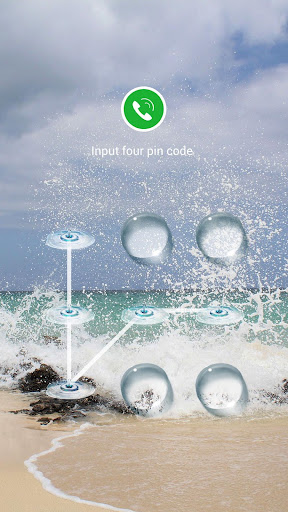
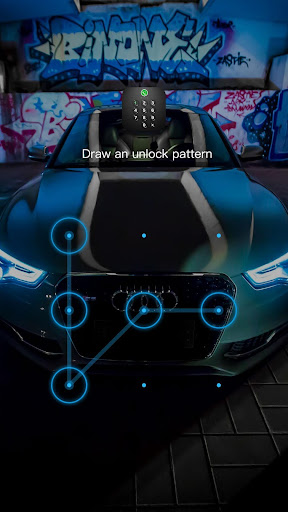
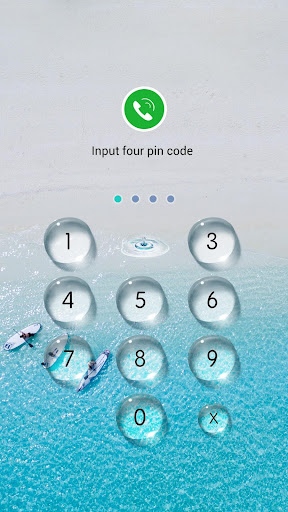
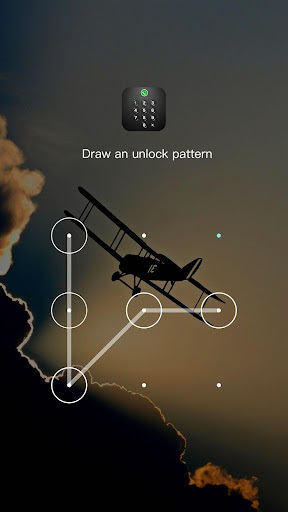
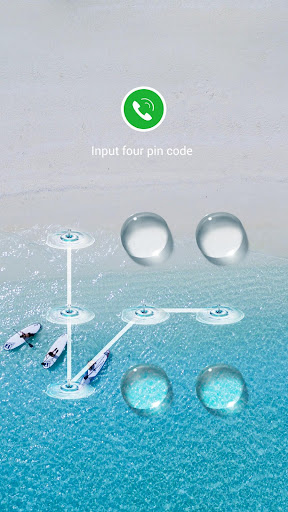
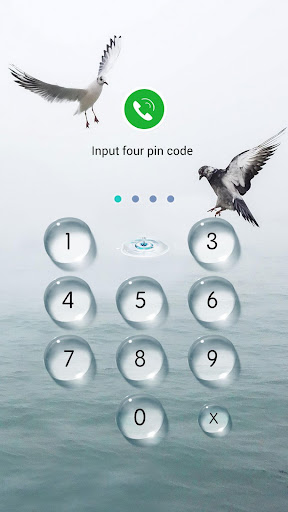
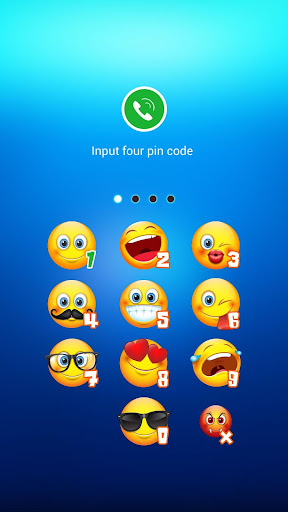
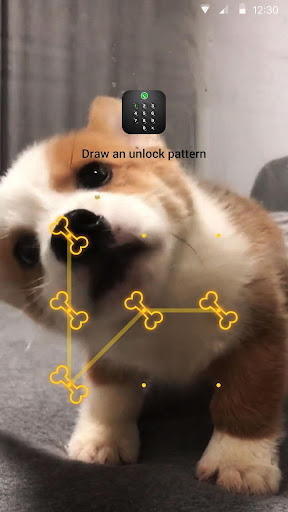
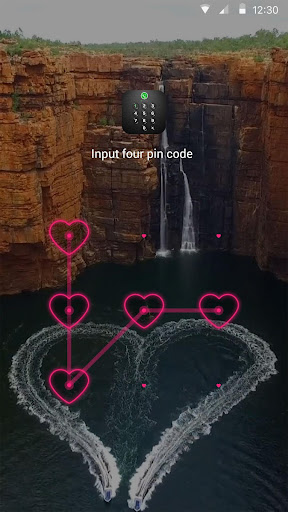
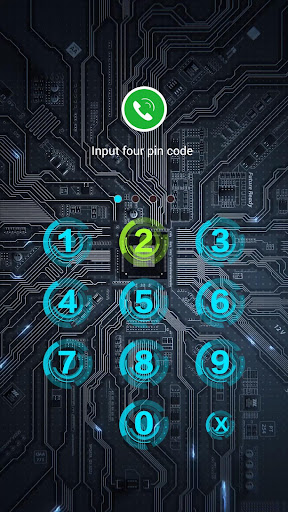
AppLock has multiple lock options: PIN Lock、Pattern Lock. choose your favorite style to lock apps .
🔒
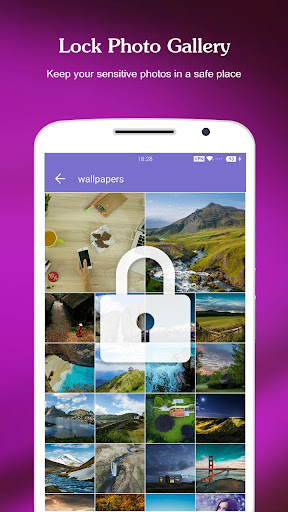
AppLock has photo vault. Keep safe gallery and hide your photos, videos without worrying about others see
🔒
AppLock support screen lock. Prevent strangers from using your phone without your permission.
🔒
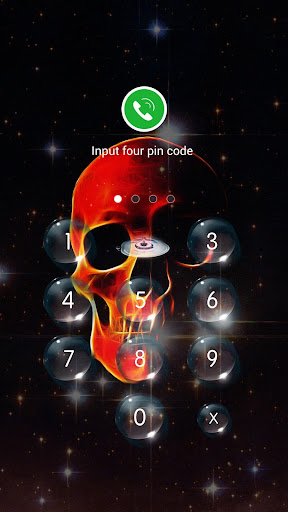
AppLock has rich themes:We have built-in sets of beautiful Pattern and PIN themes for your choice, will continue to update.
Tips:If you have a phone with a fingerprint reader that is either made by Samsung or is running Android Marshmallow, you can check the box in the App Lock settings labeled "Use fingerprint to unlock"
👮
Real-Time Protection
Monitor the new installation and app updating, real-time remind avoiding potential risks, keeping your devices safe.
🚀 Photo vault
Easily encrypt and hide photos & videos
👁 Intruder Selfie
Capture any intruder of your phone. Snaps photos of intruders who enters the wrong lockscreen.
📪 Message Security
Hiding notifications preview timely to protect your privacy. It gathers all chat notifications into one and makes them easier to read & manage.
ℹ️ Notification Cleaner
One-click cleaning of spam push notifications, No annoying notifications anymore.
🛡️ Safe Lockscreen
AppLock secure your phone from intruders with PIN and pattern lock security.
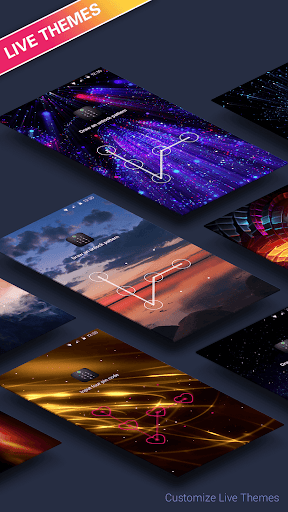
🌈 Live Theme
Live Theme features to make unlocking apps even more fun! We will regularly launch the new Live Themes.
Privacy Browser
The incognito mode and block trackers can ensure you private browsing.
——More Features——
* Lock application to prevent others are free to buy, uninstall applications!
* Lock setting to prevent misuse of the phone to change the system settings!
* Pattern Lock: simple and fresh interface, unlock faster!
* PIN lock: random keyboard. Much safer for you to lock apps
* Unlock with Fingerprint: Operation is more convenient and faster(The premise is that your phone hardware supports fingerprint unlocking)
* Lock screen timeout
* Lock 3G, 4G data, Wi-Fi, Bluetooth and more
* Lock new apps
* Uninstallation Prevention
* Set Lock Time to only activate lock at certain time
* Easy-to-use and user friendly GUI
——How it Works——
■ Download and install the Transparent Pattern Lock.
■ Go in setting and enable the lock.
■ Set your pattern.
■ To unlock draw your pattern and you open the lock and see you home screen.
——FAQ——
1. How to set my password at the first time?
🔔 Open AppLock -> Draw a pattern -> Confirm pattern;(or Open AppLock -> Enter PIN code -> Confirm PIN code)
Note: For android 5.0+, allow Applock to use usage access permission -> Find AppLock -> Allow usage access
2. How to change my password?
🔔 Open AppLock -> Settings -> Reset password -> Enter new password -> Reenter password
3. What should I do if I forget the AppLock Lite password?
🔔 Click “Forget Password” -> Enter Luck Number -> Enter new password -> Reenter password
Contact US: [email protected]