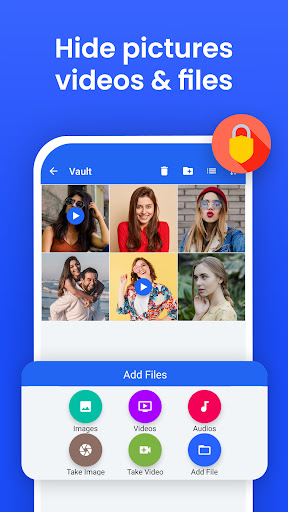
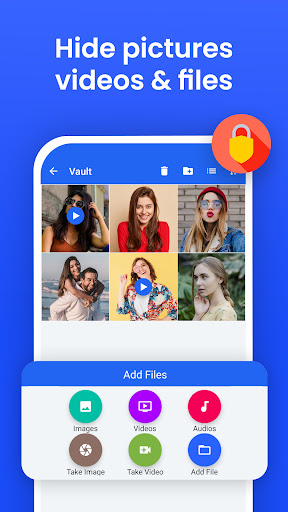
AppLock can lock apps, hide photos & videos with Pattern, Pin & Fingerprint.
AppLock allows you to lock apps and protect your apps using Pattern , Pin , Fingerprint and crash screen with many other options.
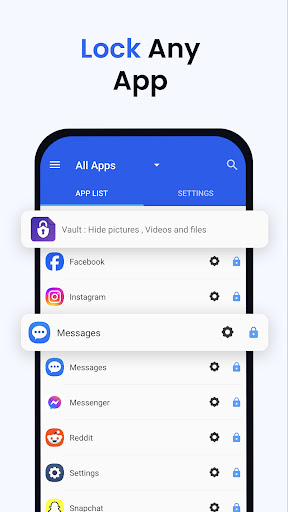
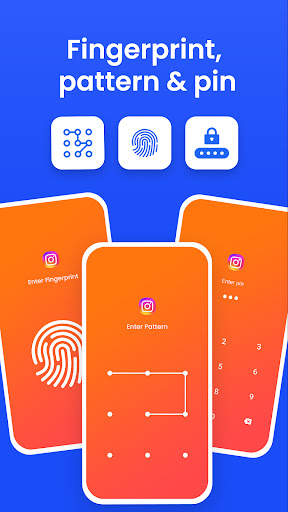
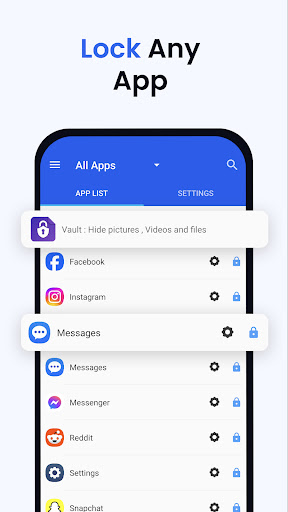
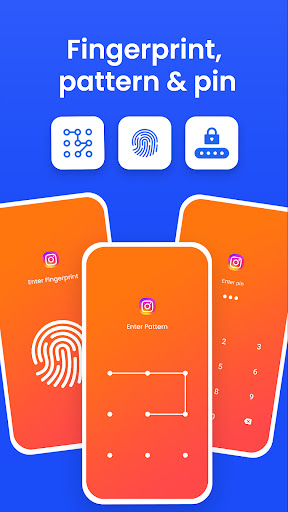
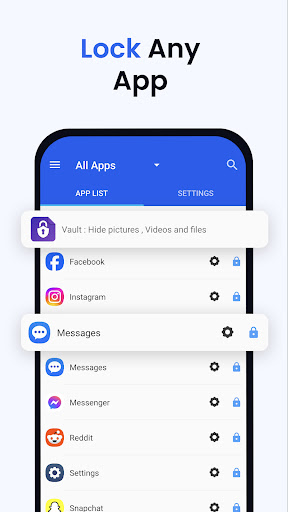
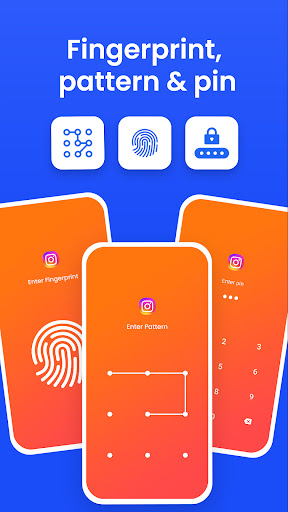
---- Features ----- ▶ Lock Apps / App Locker AppLock allows you to lock apps like gallery , message apps , social apps and email apps with fingerprint , pin , pattern and crash screen.
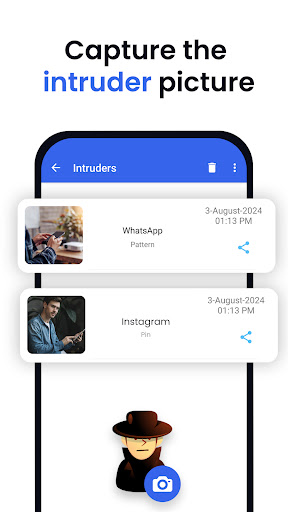
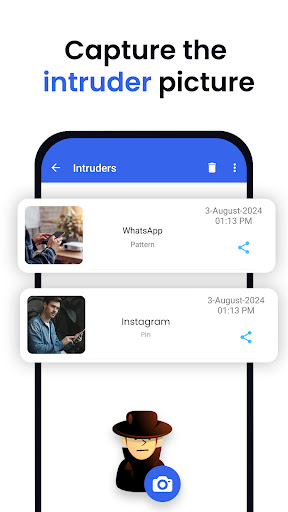
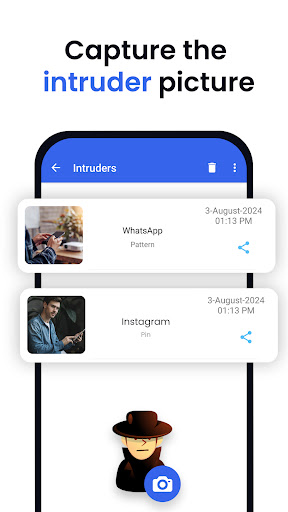
▶ Capture Intruder Picture If someone tries to open locked apps with wrong password , AppLock will capture the pictuer of intruder from front camera and show you when you open AppLock.
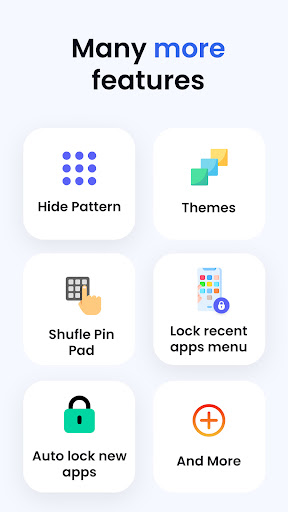
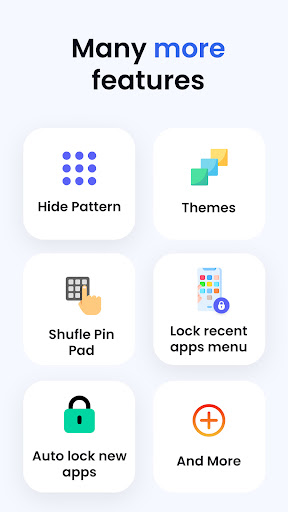
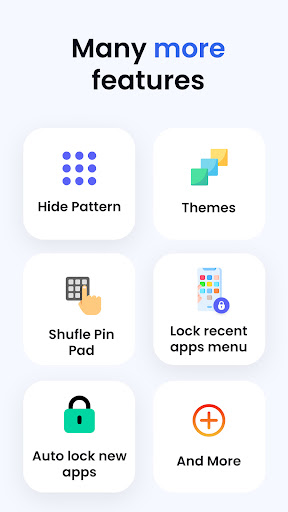
▶ Lock Recent Apps You can lock recent apps page so no one can see the content of recently used apps.
▶ Custom Settings Use separate combination of locking methods with different pin or pattern for a specific apps.
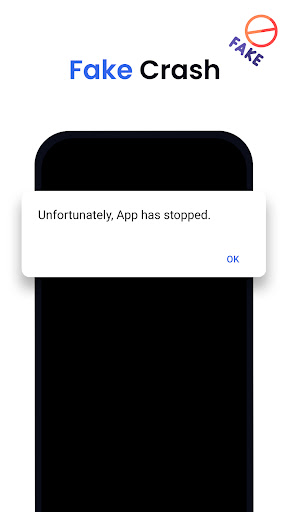
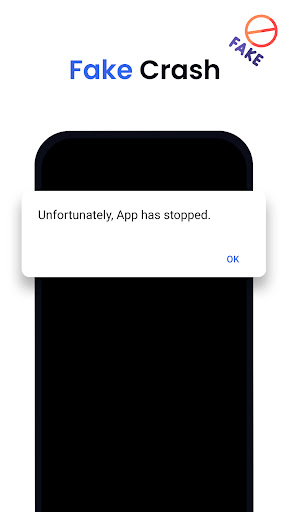
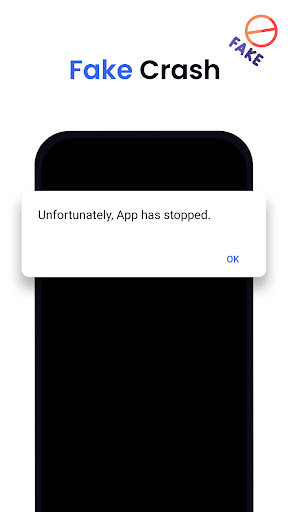
▶ Crash screen set crash screen for locked app , so no one can know that if an app is locked.
▶ Fingerprint Support Use fingerprint as secondary , or use only fingerprint to un-lock apps.
▶ Improved Lock Engine AppLock use two locking engines , default engine is fast and the "Improved Lock Engine" is battery efficient with more features that does not drain your battery.
▶ Turn Off AppLock you can turn off AppLock completely , just go to app settings and turn off the app.
▶ Lock Timeout you can to re-lock apps after some time [1-60] minuets , immediately or after screen off.
▶ Simple and Beautiful UI Beautiful and simple UI so you can perform any task easily.
▶ Lock Screen Theme lock screen changes color according to the app that you locked , every time when lock screen appears you will experience AppLock differently.
▶ Prevent Uninstall To protect AppLock from uninstall you can go to AppLock setting and press "Prevent Force Close/Uninstall".
FAQs ----------
Q 2: How can I create different pin & pattern for each application? A: Select the app that you want to lock from App list, Lock the app and then click on Custom, Then enable "Custom Settings" and then change pin, and pattern.
Q 3: How can I prevent someone from uninstalling my AppLock? A: Go to settings and click on “Prevent Force Close/Uninstall”. Then Lock your mobile Settings.
Q 4: Will AppLock works if I restart my Mobile? A: Yes it will start working, and your locked apps will be protected.
Q 5: How can I check which apps are locked? A: In the top right corner of AppLock From the drop-down menu select “Locked Apps”.
Q 6: What does “Lock recent apps” do? A: This option prevents someone from seeing your recent Opened Apps.
Q 7: I installed AppLock, but there is no option to lock my apps with the fingerprint? A: It depends on your mobile if your mobile has a fingerprint scanner and Android version 6.0 (Marshmallow) then finger print app lock method will also work.
Q 8: In my Huawei device when I open AppLock it again asks to On the Option of AppLock service? A: Because you have not added AppLock in your Protected Apps list of your Huawei Mobile.
Q 9: What is "Crash Screen"? A: If you enable Crash screen for some application it will show a window with a message of “App Crashed” after long pressing "OK" you can go to lock screen.
Q 10: How to enable Crash screen option in AppLock? A: In, App List lock your desired app Click on “custom” and enable custom settings, and then enable “Crash.”
Q 15: How to uninstall AppLock? A: First Remove AppLock from Device Admin from mobile settings or AppLock settings and then simply uninstall it.
Permissions: • Accessibility Service: This app uses Accessibility services to enable "Improved Lock Engine" and stop battery drain. • Draw Over Other Apps: AppLock uses this permission to draw lock screen on top of your locked app. • Usage Access: AppLock uses this permission to detect if a lock app is opened. • This app uses the Device Administrator permission : We use this permission to prevent other users from uninstalling this app so your locked content can be fully secured.