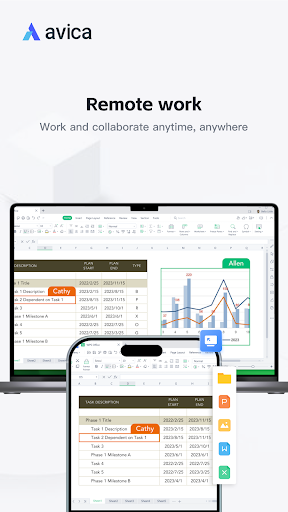
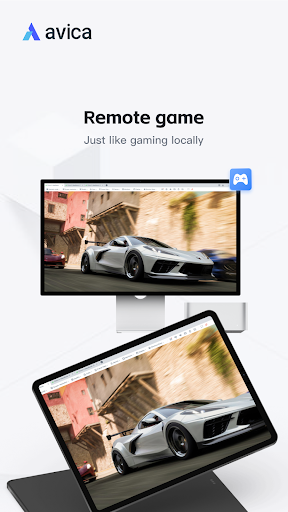
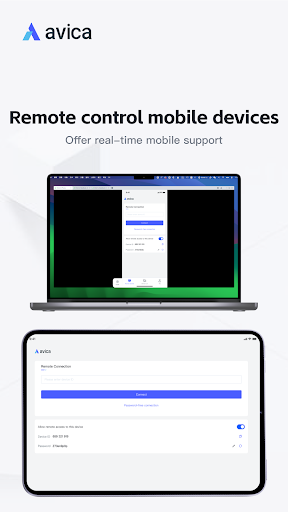
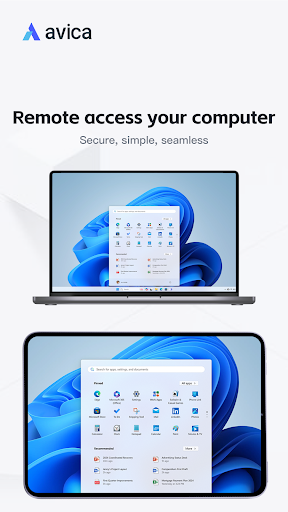
Avica Remote Desktop provides secure, simple, and seamless remote access to computers and mobile devices. It enables remote connections, whether for remote work, remote IT support, remote gaming or distance Learning, making it the ideal solution for your needs.
Why choose Avica Remote Desktop? - Cross-platform support: Windows, macOS, Android and iOS - Industry-acknowledged security: end to end AES-256 encryption - Ultra HD quality - Latency as low as 10ms - High frame rates - User-friendly interface - Free to use, with advanced features available via subscription.
Key Features: - secure and fast file transfer - Multi-Monitor Support: view and work with multiple monitors from a remote computer on the local mobile device. - Privacy Mode: block others from seeing and hearing your activities from the host device. - Game Keyboard: customize game keyboard mapping for remote PC gaming on mobile. - Control gestures with intuitive touch and pointer modes. - Sound transmission in real-time - Remote restart and shutdown - Remote lock screen
Quick Guide: 1. Install and launch Avica app on both devices. 2. Enter the remote device's Avica ID on the local device. 3. Click the "Connect" button to initiate a remote connection.
Visit Avica's official website https://www.avica.link/ for more information.
Privacy Policy: https://www.avica.link/privacy-policy Terms of Use: https://www.avica.link/terms-and-conditions
* Note the AccessibilityService API: To use controlled features, you need to turn on Accessibility permissions (AccessibilityService API). Turning on this permission service will allow other devices to remotely view and control the operation of the device (direct control of the phone, no matter where the phone is, you can do whatever you want to do at any time).