Turns on Hidden Tethering and Hotspot on your phone
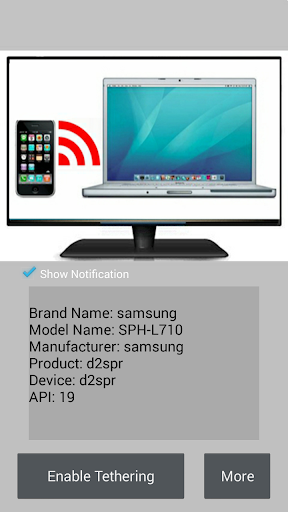
1. What is Tethering and Hotspot? The Tethering function of the mobile phone is to share the 4G or Wifi Internet connection via Wifi, Bluetooth or USB. 2. Why are some phones without Tethering? * Carrier does not want users to use the Tethering feature of the phone, and hopes that users will spend more money to purchase a separate data plan. * Mobile phone manufacturers are blocking this feature on low-end phones, hoping users can purchase more expensive and more advanced phones. 3. What is Enable Tethering? Enable Tethering turns on Tethering and Hotspot on your phone, and even carriers or manufacturers have hidden this feature. 4. How to use Enable Tethering? Very simple, click on "Enable Tethering" to open the Hotspot settings.