Enjoy smart touch screen lock for video players, calls and apps plus babies mode
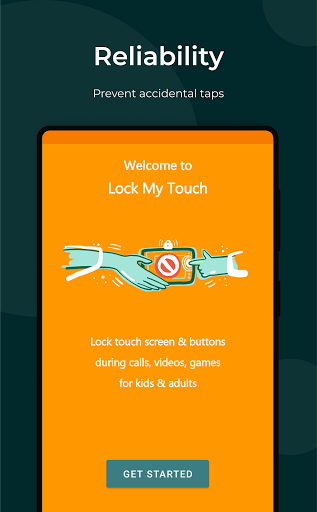
Lock My Touch 🤟 app is designed to prevent accidental taps while using popular applications.
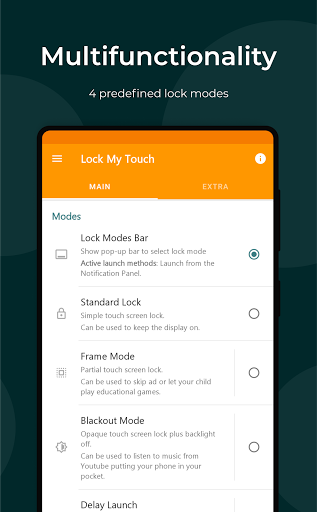
4 smart lock modes allow to disable touch screen and buttons for any kind of apps: toddler game, video chat, YouTube. Quick launch by 1-tap / shake / voice simplify using touch lock for different devices: smartphones, tablets, smart watches.
★ Standard Lock Mode ✓ Lock touchscreen, gestures, status / navigation bars, hardware buttons (home, back, volume control, recent apps, except power button). ✓ Unlocking by simple swipe ✓ Keep display on while reading text, recipes or other content. ✓ Transform tablet into a drawing board to improve your drawing skills. ✓ Use standard lock mode without any ads.
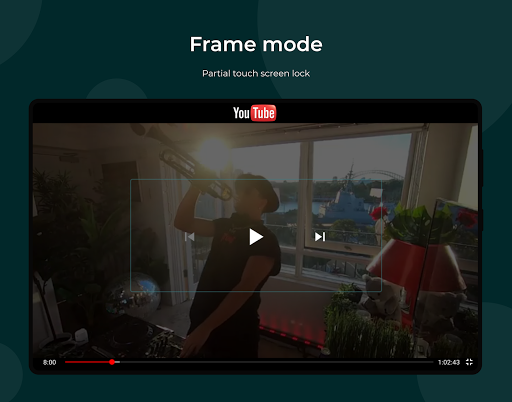
★ Partial Screen Lock ✓ Make only part of the screen untouchable with Frame Mode. ✓ Manage video and audio avoiding accidental touches. ✓ Make your gadget like a baby gallery, keeping the possibility of swiping and scaling photos, but locking unnecessary features. ✓ Let your child 😻 watch movies and play educational games; no more accidental stopping or exiting due to touching screen or buttons.
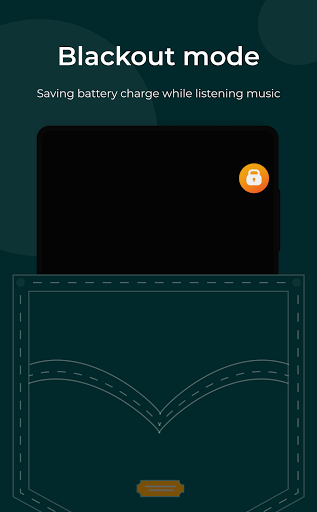
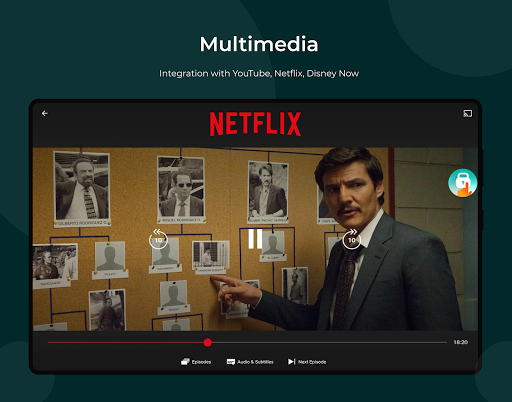
★ Blackout & Screen Off Mode ✓ Enjoy YouTube, Netflix, Disney Now, Amazon Prime Video and other video services, by having such features as Blackout Mode, Delayed Start. ✓ Transform your phone into a pocket music player. ✓ Save battery charge upon watching videos (proximity sensor). ✓ Feel free to put your phone in your pocket with the GPS navigation on.
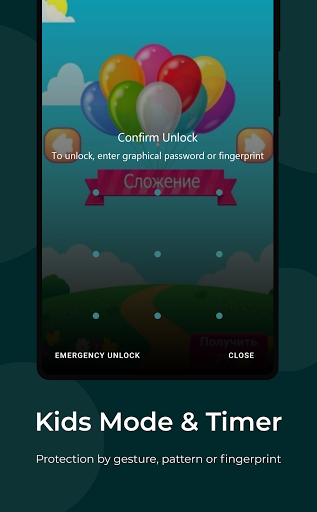
★ Kids Mode & Timer ✓ Protect the screen unlock by fingerprint, graphical key, or gesture 8. ✓ Keep your applications and settings away from kids. ✓ Enjoy your time using baby screen lock and kids timer while your kid is watching cartoons (parental control).
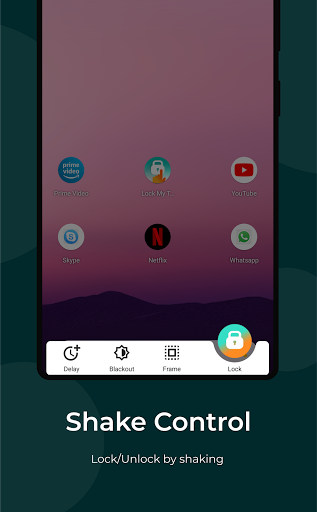
★ Shake Control (launch by shake) ✓ Set up the shake sensitivity to lock/unlock your device with a minimum risk of triggering the lock accidentally ✓ Enjoy 😃 the one-handed cinema: watch your favorite TV series while walking without a need to use the other hand. ✓ Prevent ghost / false touches caused by water that gets on the screen upon the rain or shower. ✓ Lock the screen and use your phone as a fluorescent stick at a music concert.
★ One-tap Launch ✓ Lock the screen quickly by pressing the pop-up button in the active app. ✓ Launch the lock from the notification panel 💪 and/or from the quick settings at any time. ✓ Use any voice assistants, automation tools such as Tasker, Macrodroid, AutomateIt to lock the screen.
★ Call Protect & Security ✓ Prevent face touching while calling (accidental hang ups, clicks, disconnects). ✓ You can turn off the rotating of the screen and volume buttons during video calls in Skype, Viber, Zoom, Google Hangouts, Whatsapp ✓ Give your friend a chance to look at only one photo excluding the possibility of swiping the other ones.
👉 Enjoy your time using our application, we are always in touch!
Limitations - Touch Lock does not make your device waterproof or water resistant. - Navigation gestures can be completely blocked starting from Android 10+. - Lock My Touch needs active accessibility service to lock physical buttons.