Stay Alert: Risk Insights and Permissions Status for Every App with One Click!
Welcome to Permit Hub
Permit Hub is a smart Permission Manager app designed to help you understand, review, and manage app permissions on your device with greater clarity and confidence. With a strong focus on security, transparency, and user control, Permit Hub enables you to make informed decisions about the apps installed on your phone.
🔐 Key Features 📊 Risk Assessment for Installed Apps
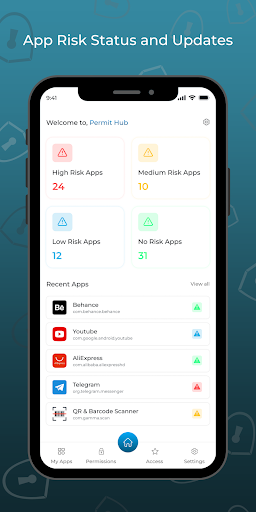
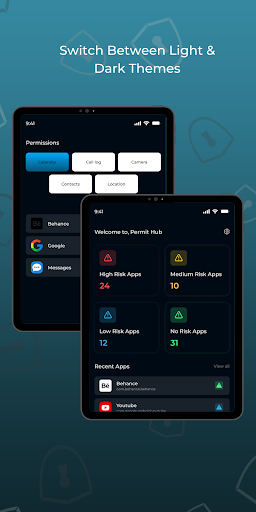
High, Medium, Low, and No Risk Classification
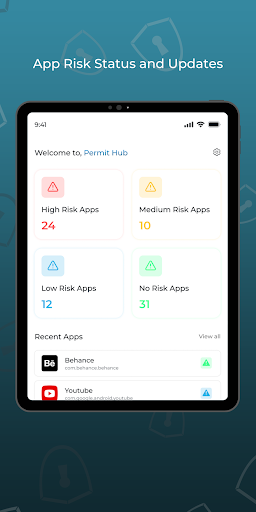
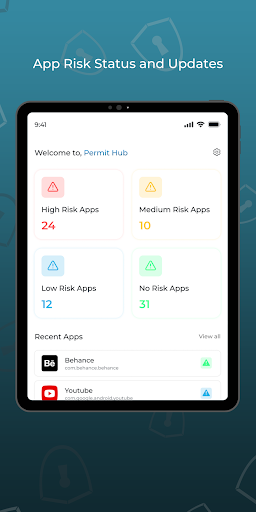
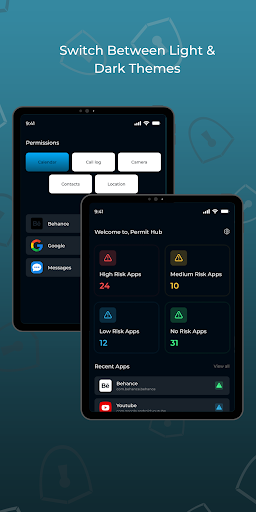
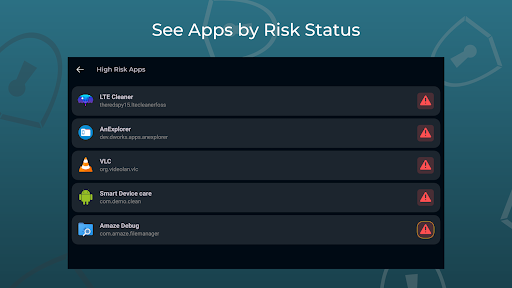
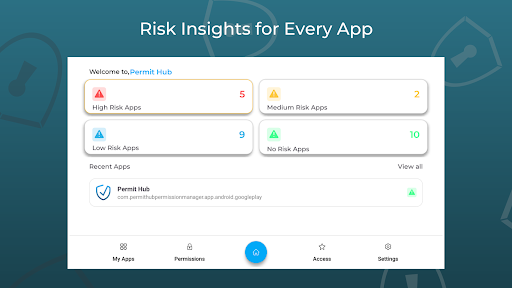
Permit Hub carefully analyzes installed apps based on factors such as permissions requested, permission usage behavior, and publicly known security indicators. Each app is categorized to help you quickly understand potential risks:
High Risk
Apps that request excessive or sensitive permissions or show potentially unsafe behavior. Permit Hub highlights these apps and encourages you to review or uninstall them.
Medium Risk
Apps that may request more permissions than necessary. Permit Hub provides insights so you can decide whether continued use is appropriate.
Low Risk
Generally safe apps with minor permission concerns. These are shown for awareness and transparency.
No Risk
Apps with minimal permissions and no known security concerns, allowing confident usage.
📱 Comprehensive App Overview
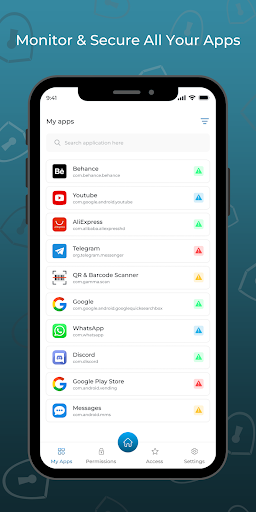
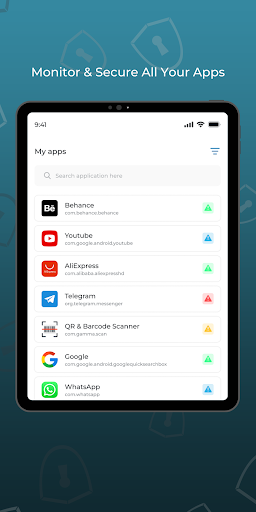
All Your Apps in One Place
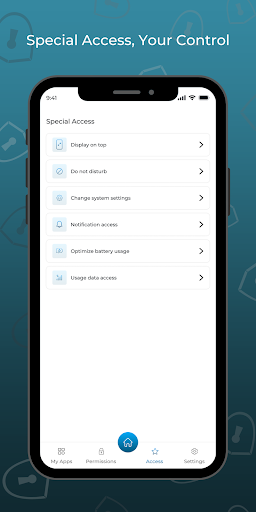
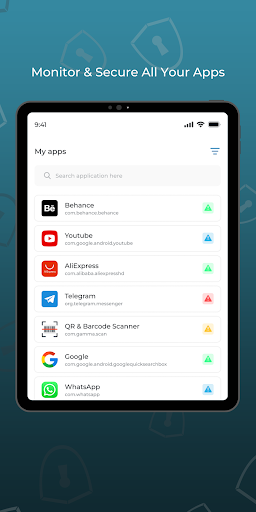
Permit Hub offers a centralized and organized view of all installed apps on your device:
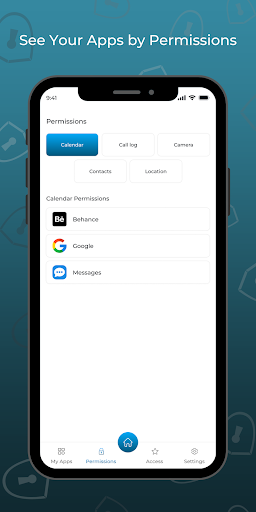
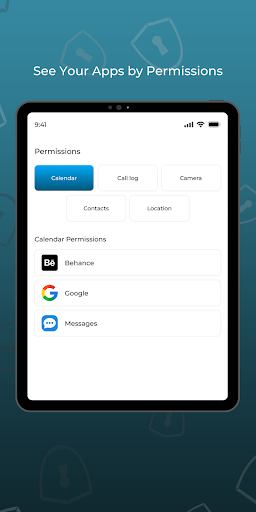
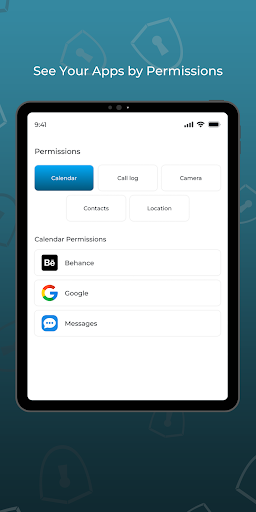
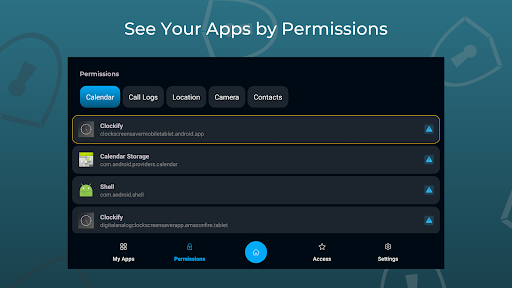
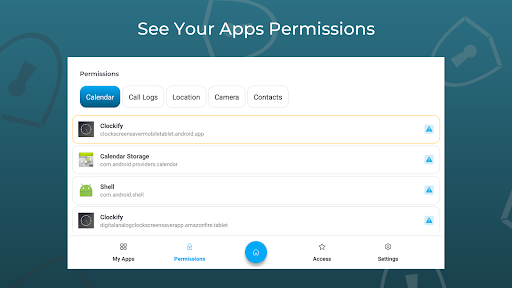
- View all apps in a single dashboard - Easily filter and sort apps by risk level or permission type - Quickly identify apps that require your attention
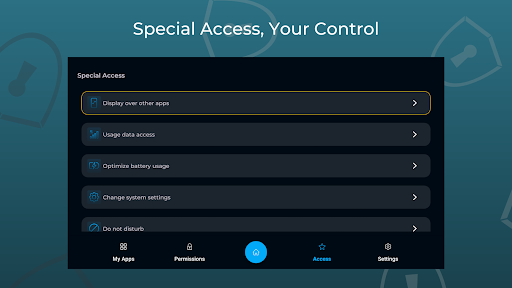
This eliminates the need to navigate complex system menus while keeping full control in your hands.
🎨 Theme Customization
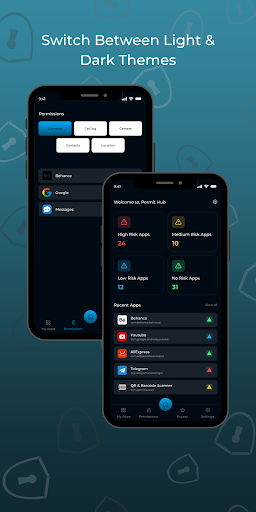
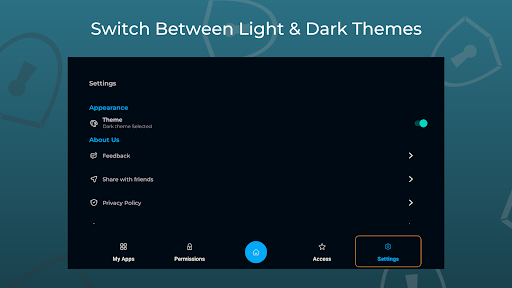
Light & Dark Mode Support
Choose between light and dark themes to match your visual preference and improve comfort during extended use.
♿ Accessibility Service Usage & Disclosure
Why Permit Hub Uses the AccessibilityService API
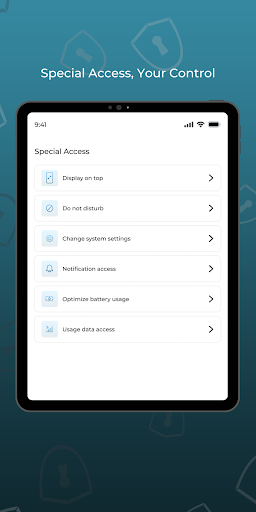
Permit Hub uses the Android AccessibilityService API strictly to assist users in viewing and navigating app permission details within system settings more efficiently.
Specifically, the Accessibility Service is used to:
Help guide users to the appropriate system permission screens Read on-screen permission information to present it in a simplified and understandable format Assist users in identifying permission usage patterns across installed apps
Important Notes on Accessibility Usage
❗ Permit Hub does NOT change system settings automatically ❗ Permit Hub does NOT grant or revoke permissions without explicit user action ❗ Permit Hub does NOT prevent app uninstallation or device control ❗ Permit Hub does NOT bypass Android privacy protections ❗ Permit Hub does NOT record audio, screen content, or personal data
All actions requiring permission changes are fully user-initiated, and the app only provides guidance and visibility to support informed decision-making.
The Accessibility Service is optional, clearly disclosed, and activated only after user consent.
🔒 Privacy & Transparency
No personal or sensitive user data is collected No data is sold or shared with third parties Accessibility data is used only for the described functionality The app follows Google Play’s User Data and Accessibility policies
⭐ Why Choose Permit Hub?
✅ Improved awareness of app permissions ✅ Greater control over app-related privacy risks ✅ Clean, intuitive interface ✅ Transparent and ethical use of Accessibility APIs