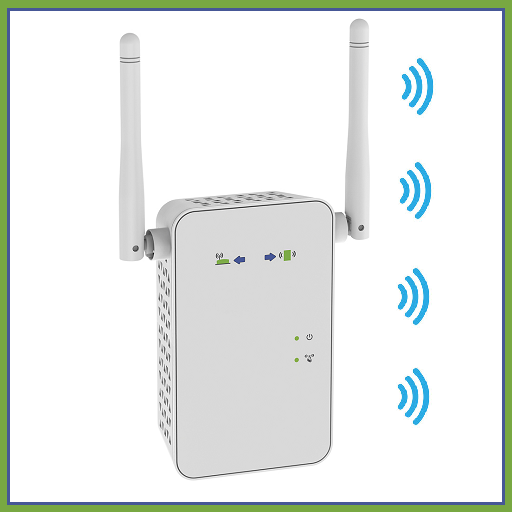
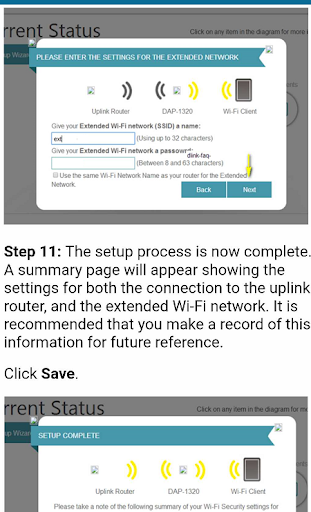
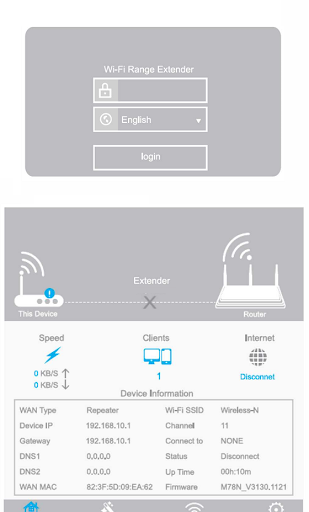
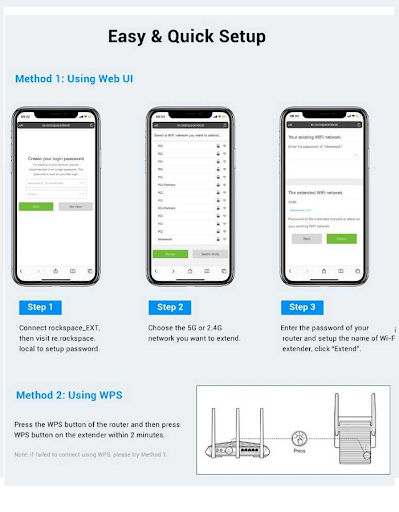
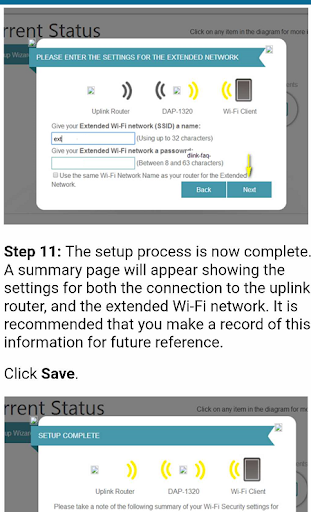
Wifi extender devices strengthen the signal from the router, allowing it to affect a wider area. You can experience a faster and higher quality internet connection through the wifi range extender in areas where wifi is not available or where you experience low signal in your home / office. Our mobile app explains to you how to set up wifi extender. You can learn the installations of the most used wifi booster brands in the world.
Application content;
Information
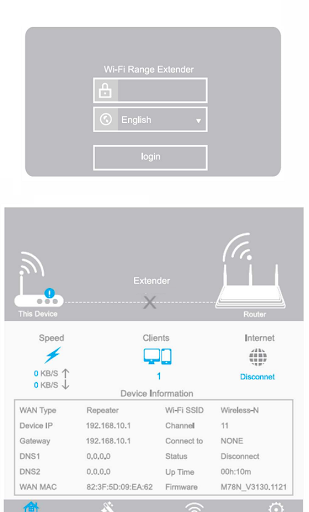
TP Link wifi extender (The default password required to login to the management page at the first setup of the device is admin.)
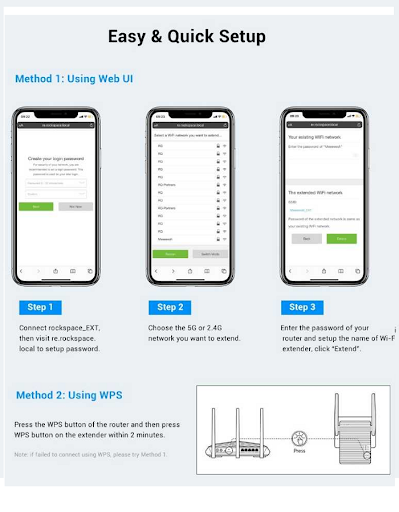
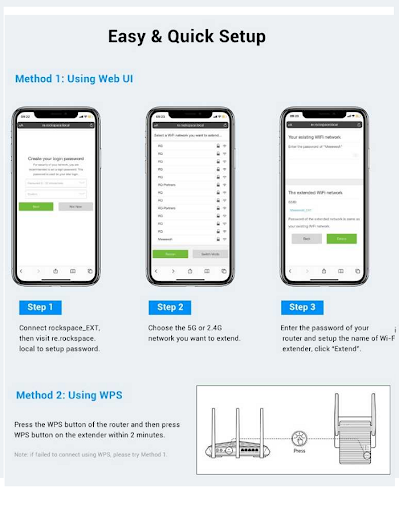
Rockspace wifi extender (The signal sent from the router often does not go beyond 120 square meters. It is important to carry the signal to long distances by taking advantage of the wifi repeater feature of these devices in larger areas. Wifi range extender app helps you to set distance, management and security.After installing the device next to the router, it is more effective to place it in the area where the Wi-Fi weakens.)
Linksys wlan range extender (To ensure the security of your device and internet network, it is necessary to create a strong wifi password on repeater and booster, just like router.Wifi extender app helps you with device management and usage.)
Netgear extender ( It stands out with its touch feature and two-step verification. You can activate layered security settings with the Netgear extender app. You can measure the strength of the signals from the lights on the device.)
Iptime extender (You can create a guest network on your device. You can create and share the necessary setup information for the new user with the iptime extender app. The user interface is simple.)
Mi Wifi range extender pro ( It delivers signals up to twice the strength of the wireless connection. Mi home xioami wifi extender app helps you track the strength of repeated signals.)
Joowin extender (Equipped with external antennas, joowin quickly delivers wifi signal to areas such as hallways at home).
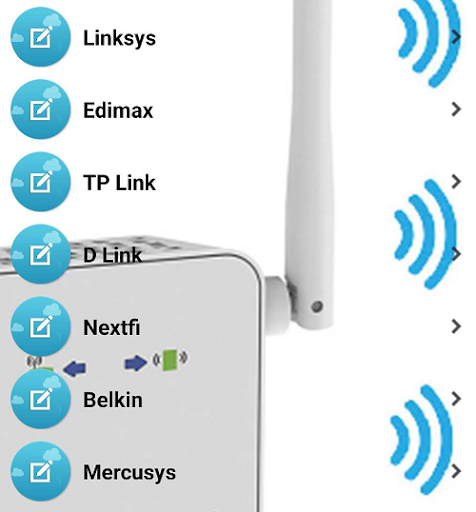
Other wifi extender brands in the mobile app content are; Edimax, D link, Nextfi, Mercusys, tp link, Iptime, Xiaomi, Joowin, Belkin, huawei, kogan, tenda, linksys, rockspace, netcomm, pldt, zyxel