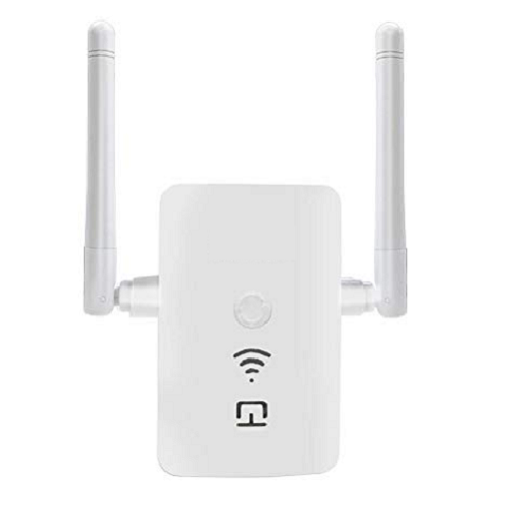
In our mobile application, it is explained how to configure the wifi repeater. If there are points in your home where wireless signals cannot reach, or if you want to use your wireless internet connection in a wider area at your workplace, the wifi repeater is just for you. Configuration setup and settings may differ for each make and model.You can make the necessary settings with the wifi repeater app for android. We explained the configurations of the most used brands in our mobile app. The wifi repeater/router/ap receives the signal from the router and repeats it exactly. If it can't get enough of the signal, the internet connection may drop. Therefore, device positioning is important.
Application content
Devolo wifi repeater (easy setup with WPS and step by step setup via manual web browser)
Netgear wifi repeater (The device should be placed in a location where it can receive a signal from the wireless connection so that it can repeat the wifi signal properly)
TP Link repeater (The wifi password of your router and wifi repeater is the same, you can make it invisible if you want from the router settings)
Xiaomi wifi repeater pro (You can complete the installation via your mobile phone. Mi home wifi repeater pro app will help you with this process. The blue light on the device indicates that the connection is OK. If any problem occurs, you can reset it through the hole in the Xiaomi mi wifi repeater pro case. Then you can update and reinstall the device.)
Other wifi repeater brands described in our app: Devolo, Kogan, D Link, Digisol, Netgear, Wavlink, Digicom, Zyxel, Asus, TP Link, PLDT, Medialink,Xiaomi, Netcomm, Tenda, Etisalat, Edimax, Xiaomi, Digitus, iBall, Verizon, Linksys