WiFi Router Manager: Setup your WiFi Router and Detect Who is on My WiFi Router.
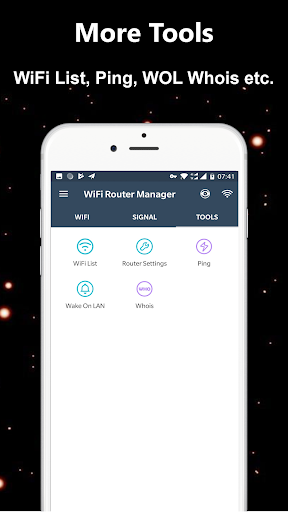
WiFi Router Manager - Detect Who is on My WiFi(Who Use My WiFi) is a Network Tool (Who Use my WiFi, WiFi Signal Strength Meter, WiFi Extender, WiFi Security, Router Setup, Router Tools ,WiFi Tools, IP Tools etc.).
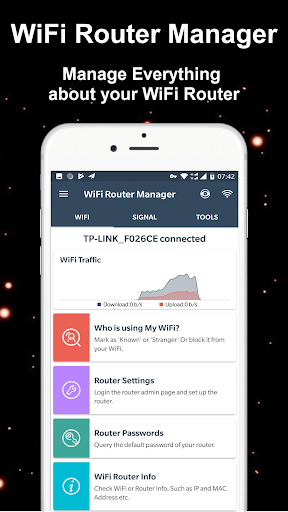
The app is a very useful tool to manage WiFi Router. It cah help you easily access your router settings and control your wifi network.
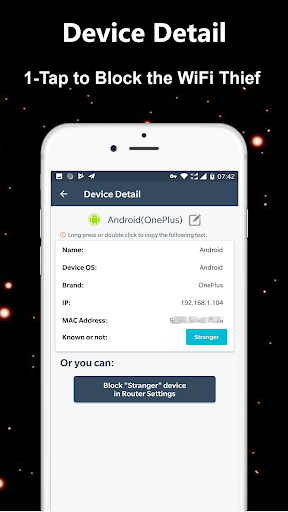
The Who is on My WiFi detecting app is Powerful WiFi Protector and WiFi blocker / WiFi thief blocker to Detect Who use my WiFi and Protect my WiFi security.
The WiFi Router Manager app also can help you check wifi speed(internet speed) in real-time, WiFi Router Manager(Who uses my WIFi) is good speed test tool.it helps you manage their router from your smartphone. The Who Use My WiFi app is great analysis tool to help you better understand your wifi router and your internet settings. It can easily scan my wifi and see how many devices connected to your wifi router such as tplink/tp-link router, dlink router, netgear router or huawei router etc.
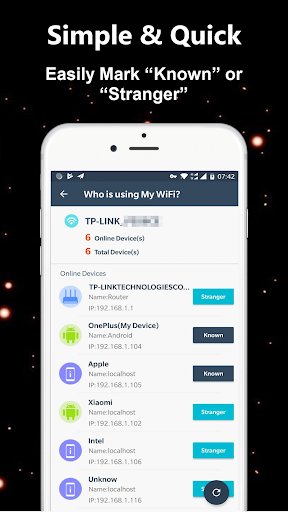
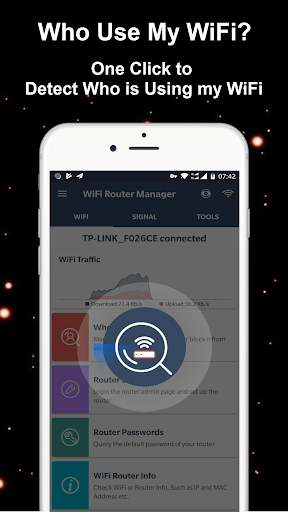
Key Features: ★★Detect Who is On My WiFi (Who Use My WiFi)★★ Using the Who is on My WiFi detecting app, in seconds you know how many devices are connected to your wireless router with IP, MAC and vendor listing.
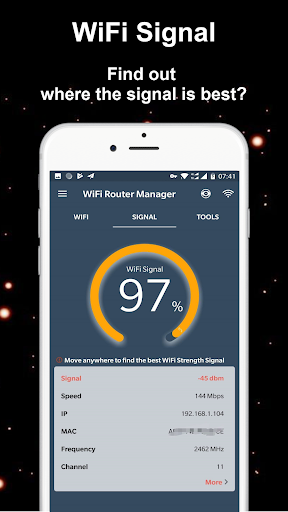
★★WiFi Signal Strength Meter★★ It is useful WiFi Signal Strength Meter, the app can view your current wifi signal strength and detect WiFi Signal Strength around you in real time. The wifi tools can Quickly check your wifi strength to help you find the best location.
★★Router Settings★★ The app helps you to access modem router page of any WiFi Router modems(192.168.1.1 or 192.168.0.1 etc.). You can easily access your router admin page and make changes to your router settings.
★★Router Passwords★★ Allows you to discover the default keys and passwords of the best selling WiFi Routers in the world. If You forgot your router passwords and now can not access it, with this application now get it easy and in a fast way.